YouTube Thumbnail Font AI
Create stunning YouTube thumbnails with YouTube Thumbnail Font AI. Clone creator typography, design original looks, and get perfect text placement without covering faces.
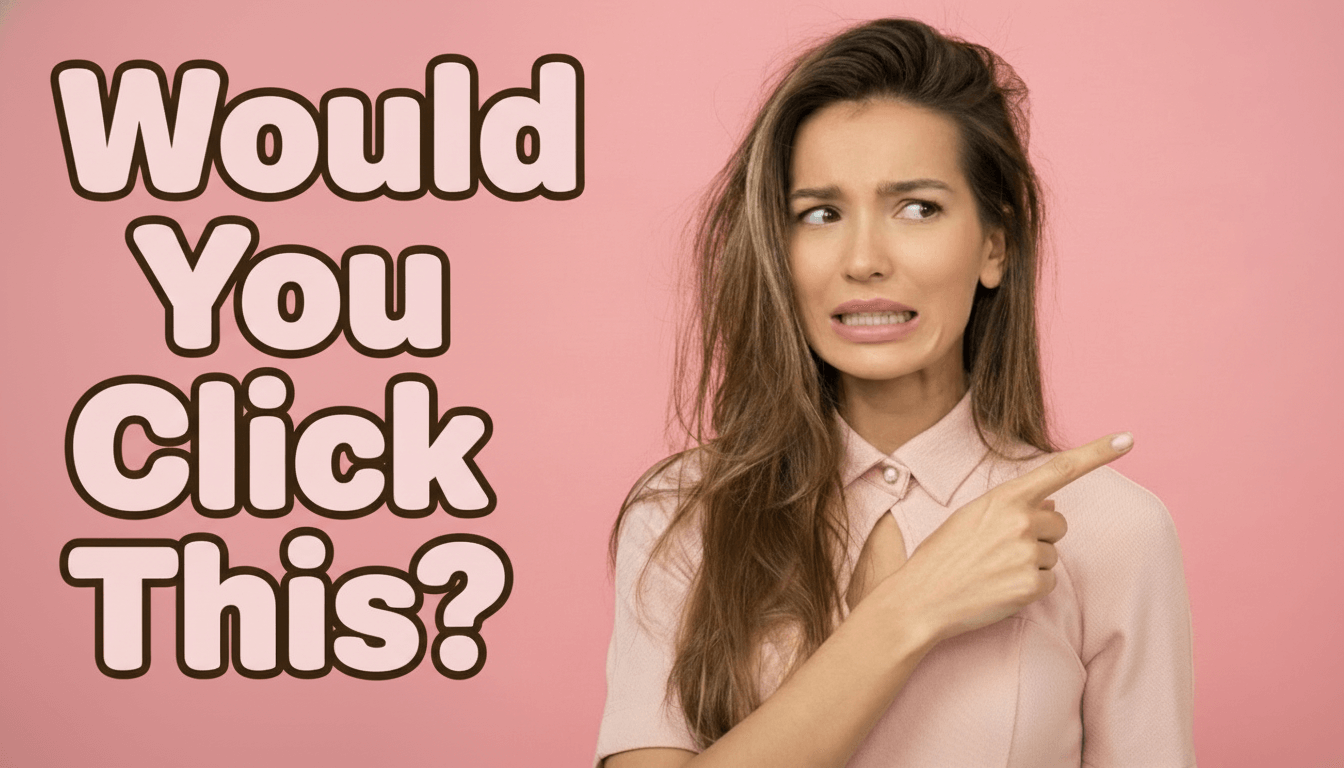
Story Rounded
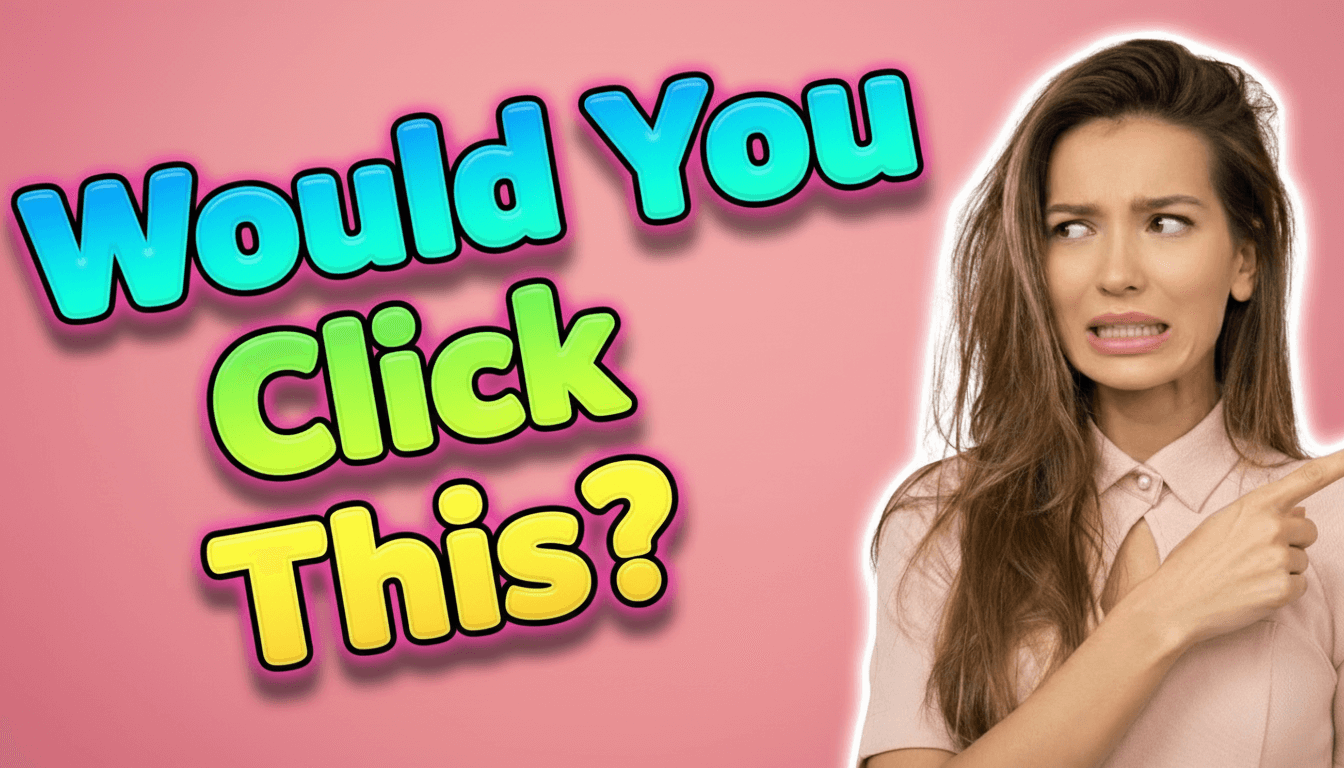
3D Inflated
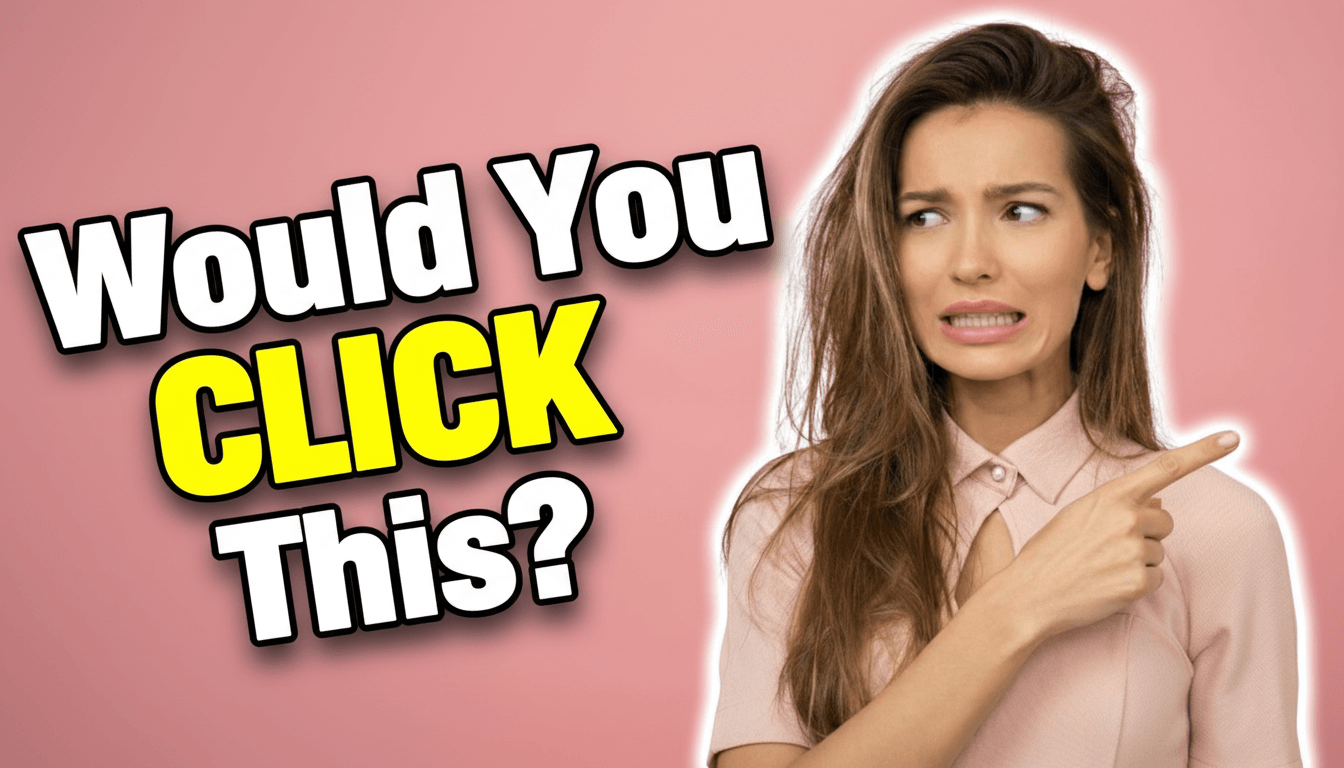
Ace Contrast
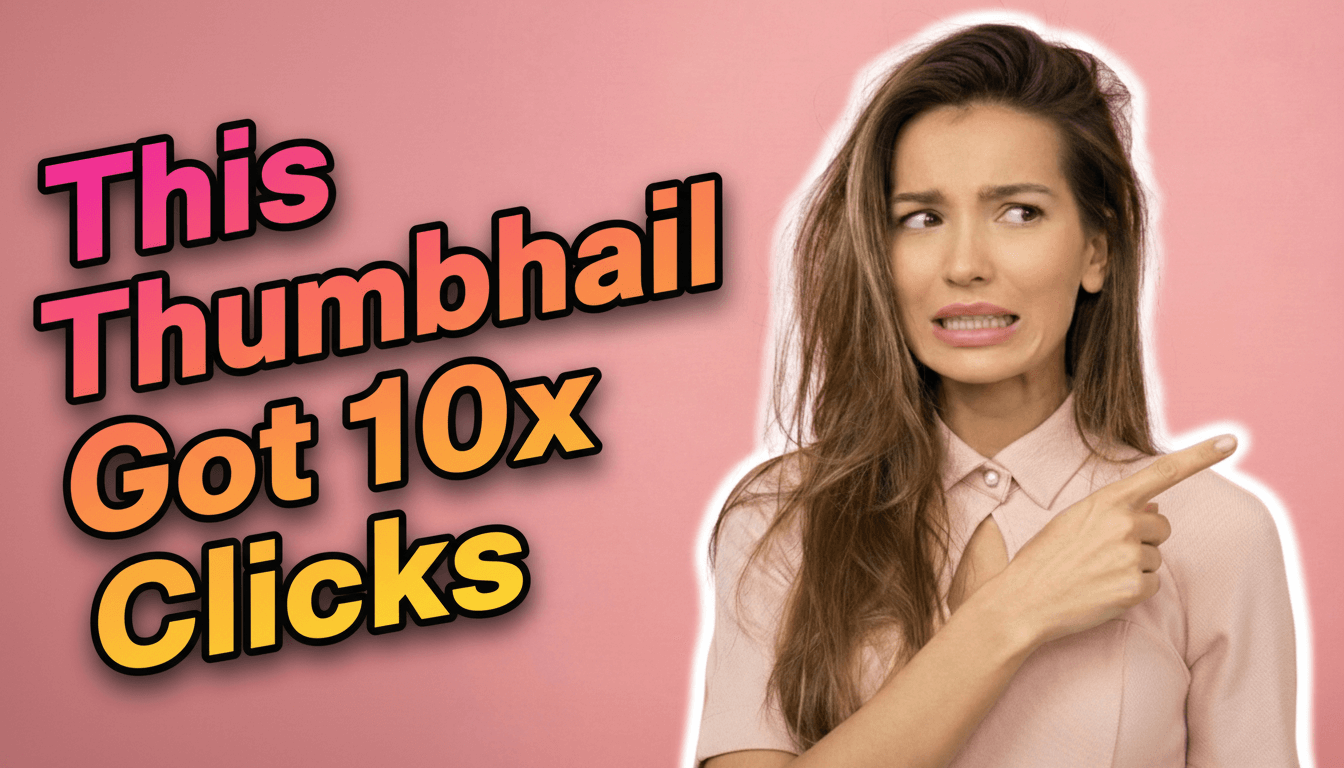
Review Slanted
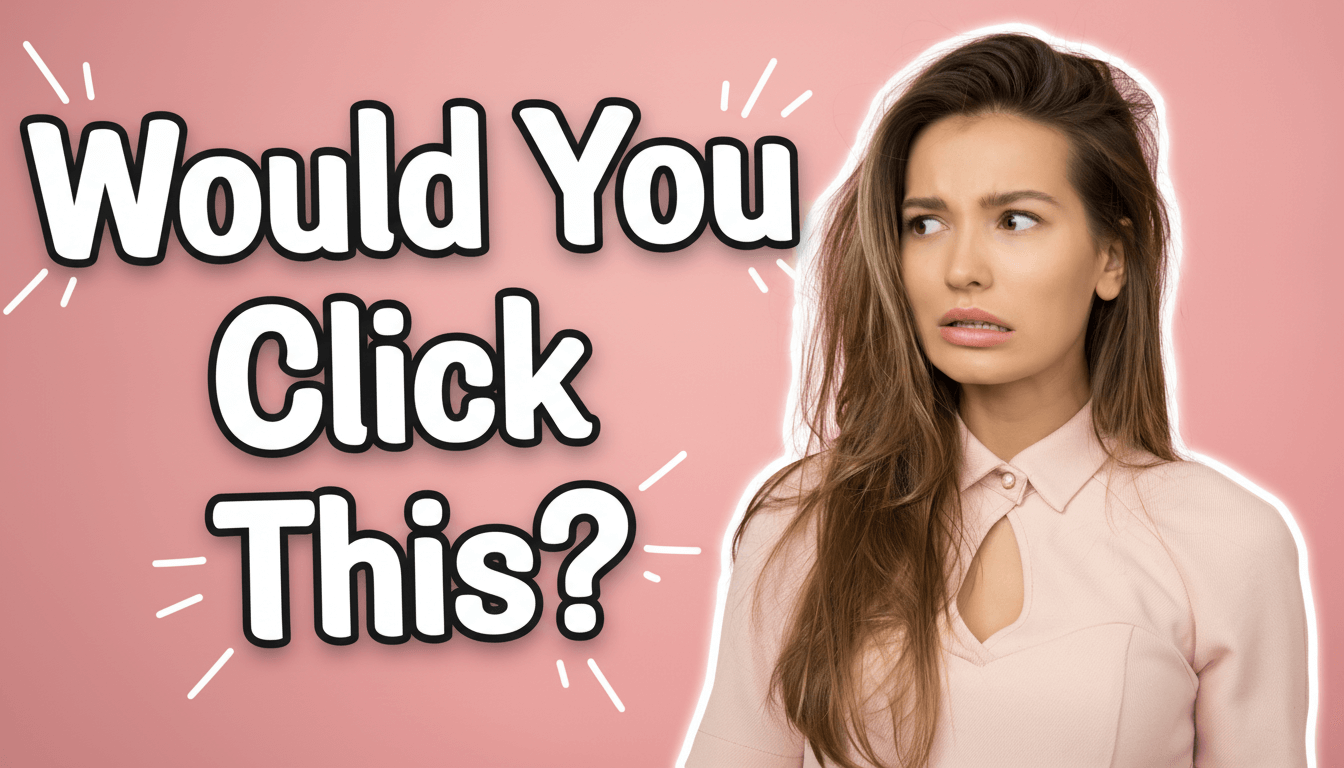
Vlog Marker
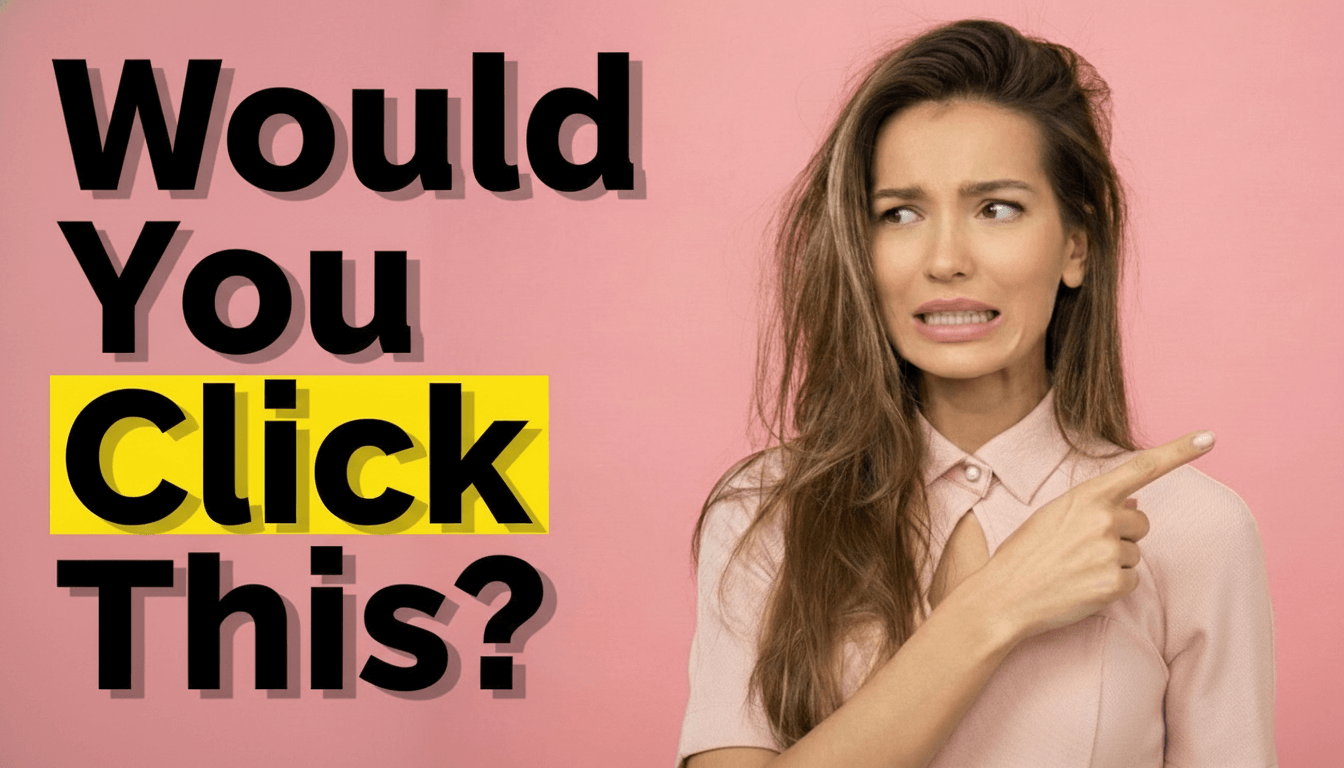
Highlight Block
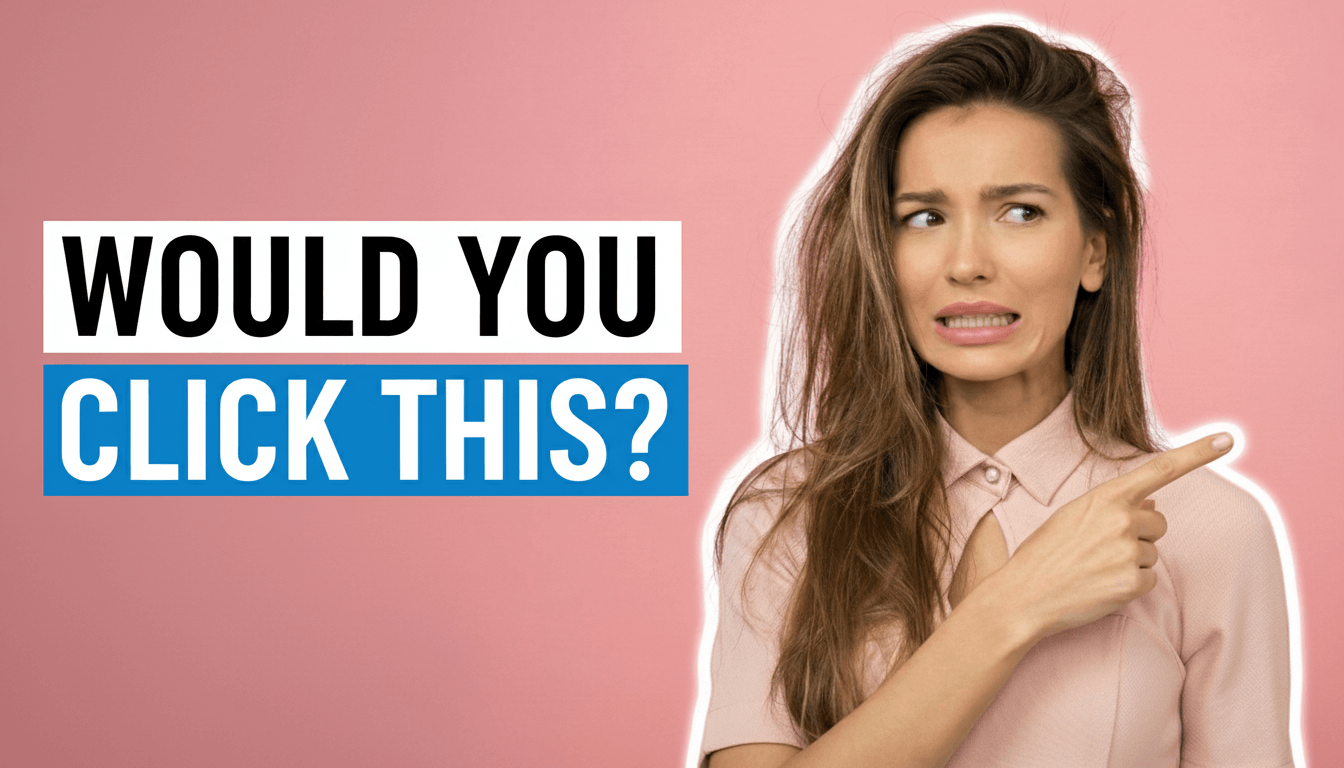
Modern Banner
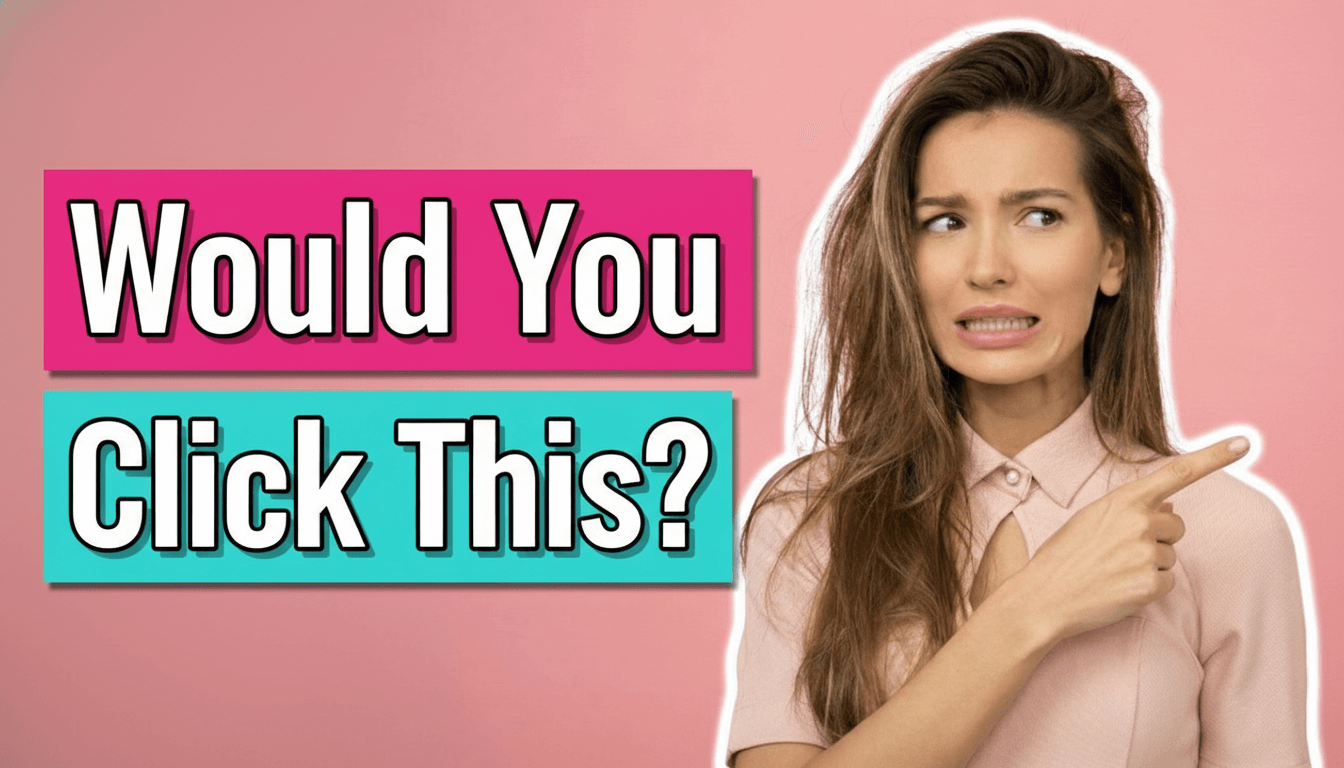
Tutorial Ribbon
Ultra Minimal
Story Rounded
3D Inflated
Ace Contrast
Review Slanted
Vlog Marker
Highlight Block
Modern Banner
Tutorial Ribbon
Ultra Minimal
Story Rounded
3D Inflated
Ace Contrast
Review Slanted
Vlog Marker
Highlight Block
Modern Banner
Tutorial Ribbon
Ultra Minimal
Create Your Perfect Thumbnail Font
Copy the font style from any successful thumbnail, or choose from our 10 preset styles. Add your image and title, and you're done!
Checking access...
User Case 1
Choose from 10 Ready-Made Font Styles
Upload your photo, pick a font style you like, and add your title. Get a professional YouTube thumbnail in seconds with perfect text placement!
1. Upload Your Photo
Upload your photo - could be yourself, a product, or a screenshot. AI will make sure text never covers your face!
2. Pick a Font Style
Choose from 10 eye-catching styles like Story Rounded, Review Slanted, Vlog Marker, 3D Inflated, and more.
3. Add Your Title & Generate
Type your title (or let AI create one for you). Click Generate and download your professional thumbnail!
Example Title:
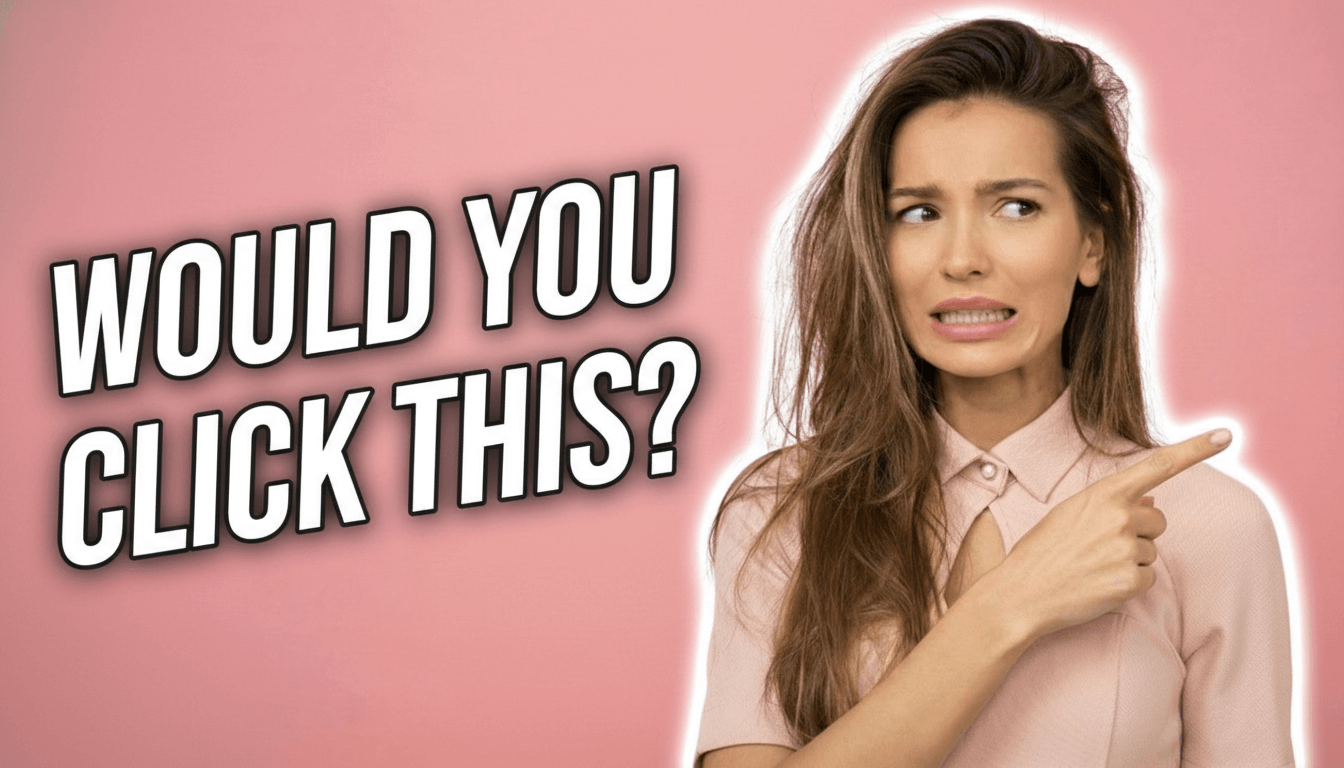
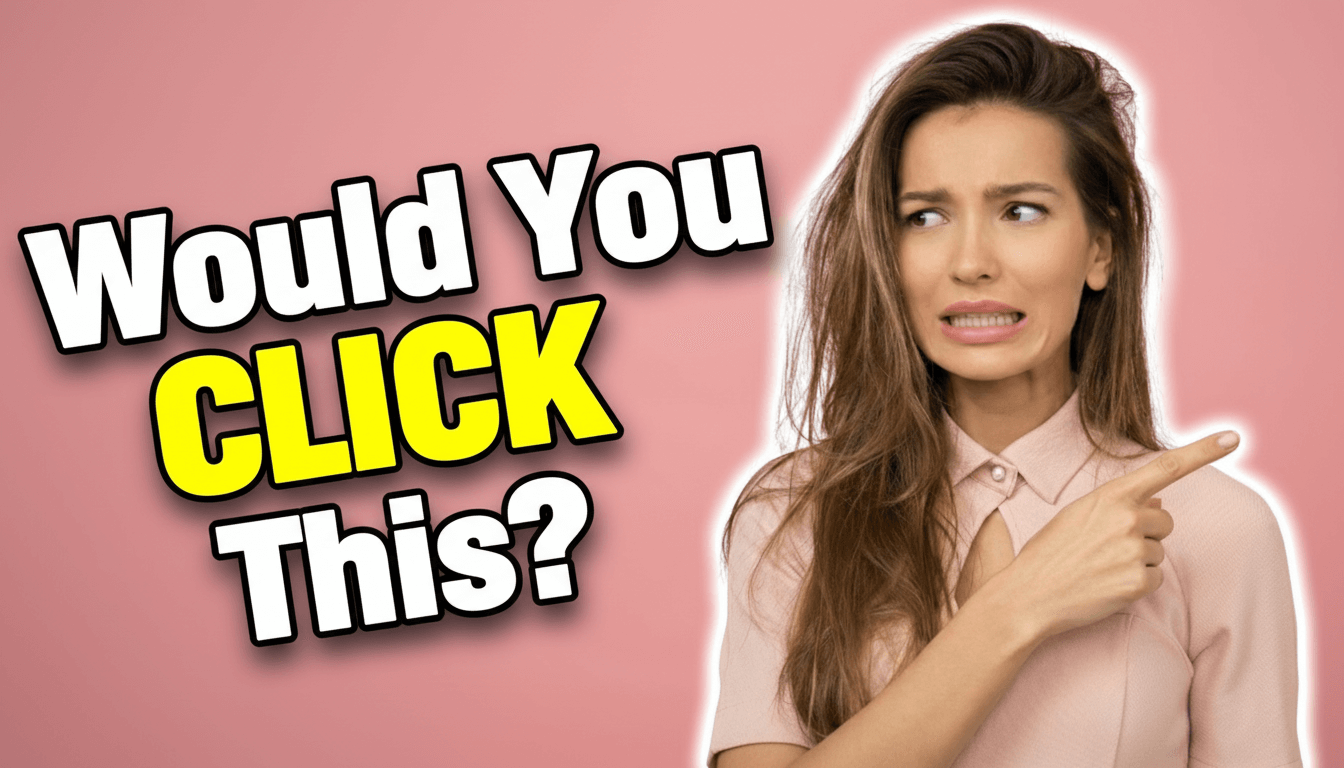
would You Click This
Your Asset

Professional Thumbnail
User Case 2
Copy Any Thumbnail's Font Style
See a thumbnail you love? Upload it as a reference, add your own photo, and AI will recreate that exact font style on your thumbnail. Perfect for matching successful creators!
1. Upload the Thumbnail You Like
Find any thumbnail with a font style you want. Upload it, and AI will copy its colors, font shape, and text effects.
2. Upload Your Own Photo
Add your photo - yourself, your product, or any image. AI will combine your photo with that font style perfectly!
3. Add Your Title & Generate
Type your title (or let AI write one). AI creates your thumbnail with the same professional look as the reference!
Example Title:
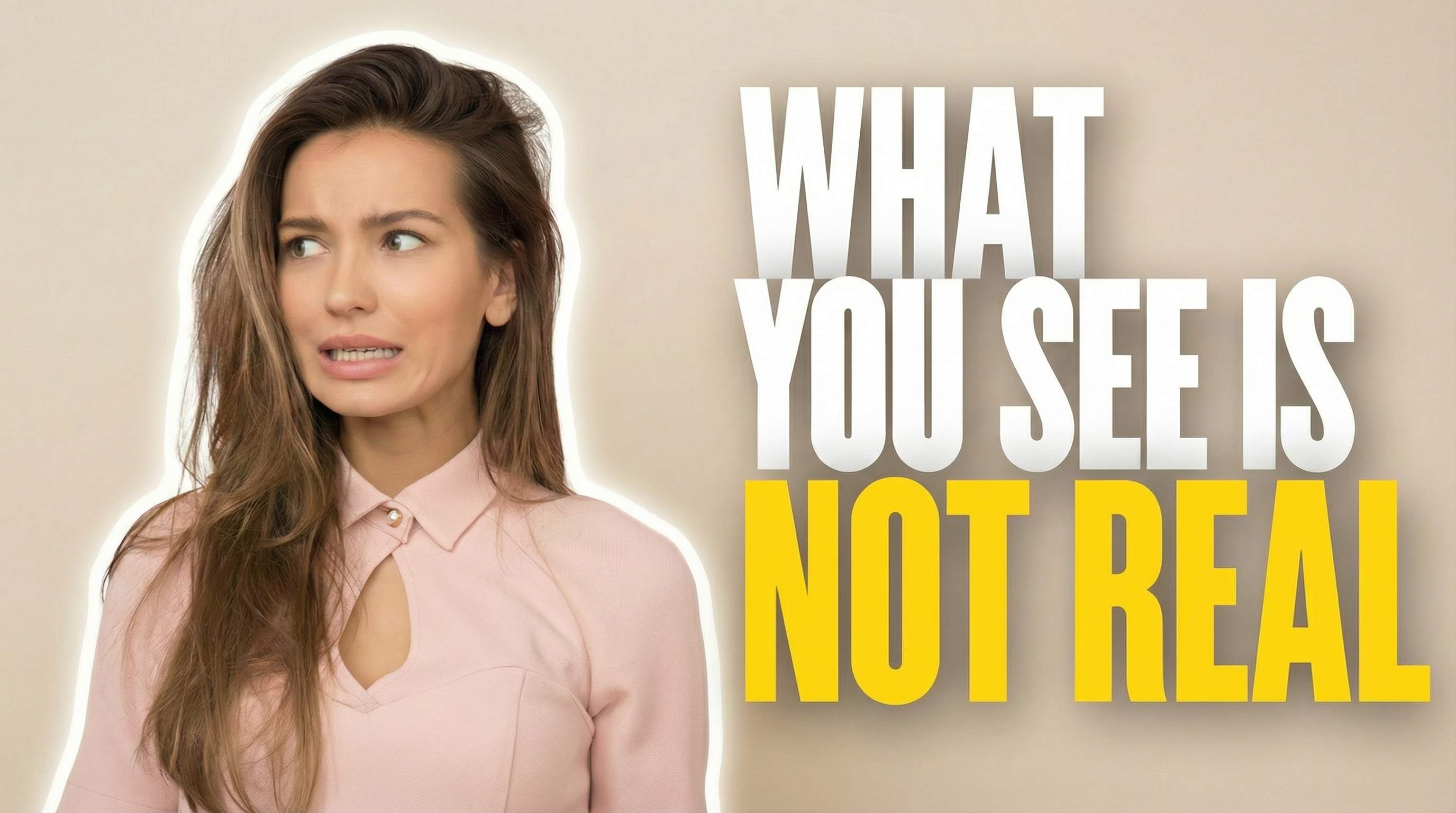
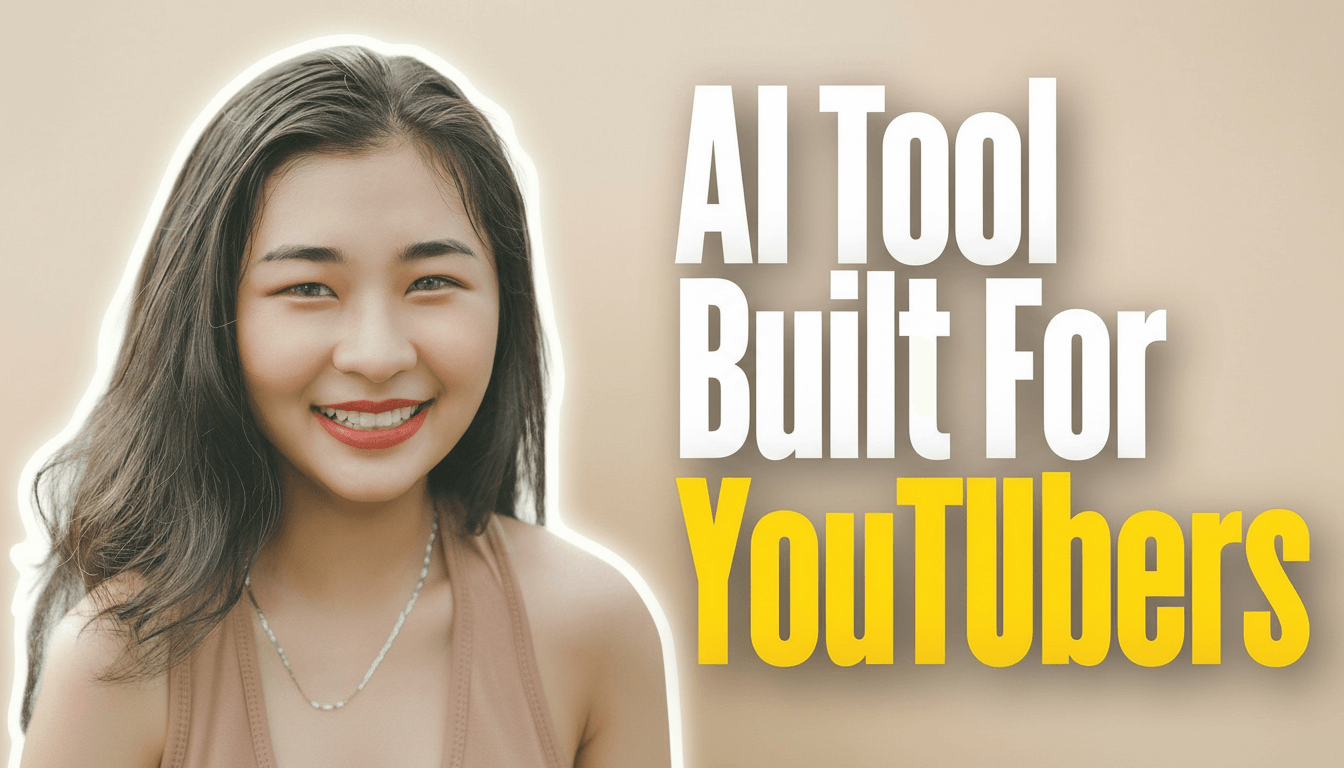
AI Tool Built For Youtubers
Reference (Font Style Source)
Your Asset

Generated Result
Why Choose This
Everything You Need for YouTube Thumbnail Fonts
Custom Font Styles
YouTube Thumbnail Font AI lets you craft eye-catching text with unique fonts and effects. Choose from 10 preset styles or copy any thumbnail you like.
Smart Text Placement
AI automatically places text in the best position - never covering faces or important parts of your image.
One-Click Generation
Upload your photo, type your title (or let AI create one), and get a professional thumbnail in seconds.
Got Questions?
Questions About YouTube Thumbnail Font AI
Everything you need to know about creating YouTube thumbnails with AI
Ready to Make Eye-Catching Thumbnails?
Join thousands of creators making professional YouTube thumbnails in seconds. No design skills needed - just upload, click, and download!
Get Started Now