YouTube Thumbnail Design: How to Get More Clicks Without Being a Designer
Learn how to master YouTube thumbnail design to get more views. Discover easy tips on contrast, text, and faces to make your channel stand out today.
Why Contrast is Your Best Friend
YouTube's background is either white or dark gray. If your thumbnail uses similar colors, it will blend right in. To stand out, you need high contrast. Think about using bright backgrounds like yellow, orange, or vibrant blue. If your subject is dark, use a light background. If your subject is light, use a darker, saturated background. This makes the main part of your image pop off the screen.

Keep Your Text Short and Bold
People usually browse YouTube on their phones. This means your thumbnail is tiny. If you put a whole sentence on there, nobody will be able to read it. Stick to 3-4 words at most. Use bold, sans-serif fonts that are easy to read even when shrunk down. Instead of repeating your video title, use the text to create curiosity or highlight a big result.
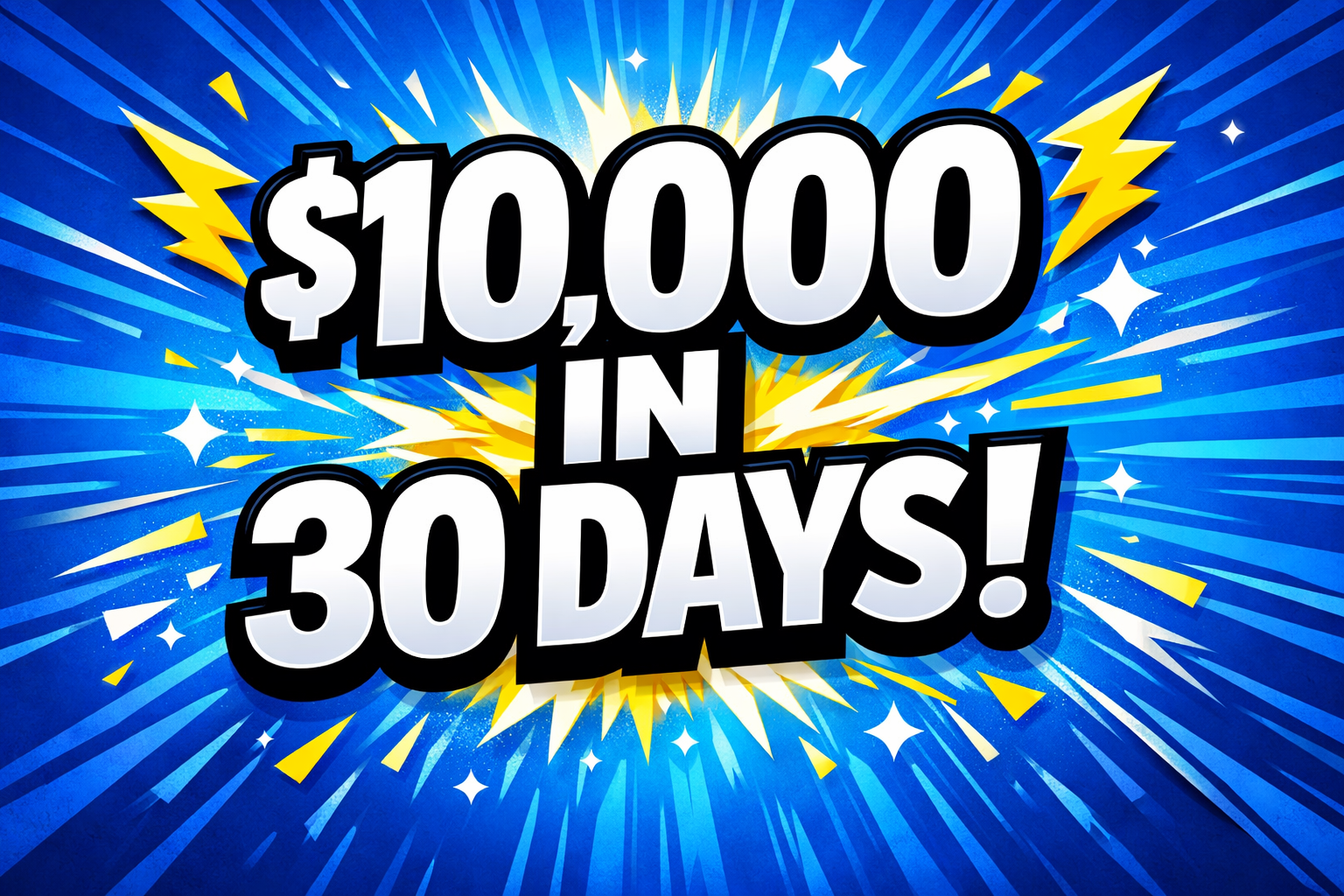
- Bad: How I made ten thousand dollars in one month
- Good: $10,000 in 30 Days!
Faces and Emotions Drive Clicks
Humans are naturally drawn to faces. Specifically, we look for emotions. A thumbnail with a person looking surprised, happy, or even angry usually performs better than one without a face. Make sure the face is large and the expression is clear. You do not need to overdo it with YouTube face, but a little bit of extra emotion goes a long way in telling the viewer what the video is about.

Use a Consistent Layout
If you want people to recognize your channel instantly, you need a signature style. This could be a specific border, a certain font, or a way you always position yourself in the frame. When viewers see a familiar YouTube thumbnail design, they are more likely to click because they already trust your content. It builds a brand that people can spot in a crowded feed.
Let AI Do the Heavy Lifting
If you still feel stuck, you do not have to start from scratch. Tools like AI Thumbnail Creator can help you generate high-energy, viral-style designs in seconds. You can upload your own face, choose a style you like, and let the AI handle the composition and lighting. It is a great way to get professional results without spending hours in a design app.
Common Questions About YouTube Thumbnail Design (FAQ)
Quick answers to the most common thumbnail questions creators ask.
- What is the best size for a YouTube thumbnail? The standard size is 1280 x 720 pixels with a 16:9 aspect ratio. Keeping your file size under 2MB is also important for quick uploads.
- Should I put my logo on every thumbnail? It is usually better to keep the design clean. If your logo is too big, it takes up valuable space. Your branding should come from your style and colors rather than a small logo in the corner.
- Does the thumbnail text have to match the title? No, and it actually should not. Use the thumbnail text to complement the title. The title is for SEO, while the thumbnail is for grabbing the viewer's eye.
- Can I change my thumbnail after the video is live? Yes. In fact, many top creators change their YouTube thumbnail design if they notice the click-through rate is low. It is a great way to give an old video a second life.
- Is AI-generated thumbnail design allowed on YouTube? Absolutely. As long as your thumbnail accurately represents your content and follows YouTube's community guidelines, you can use any tools you like to create it.
Quick takeaway
You can get more clicks without being a designer by focusing on contrast, short bold text, clear emotions, and a consistent thumbnail layout.
Build Your Next Thumbnail with AI
Upload your idea, pick a visual style, and generate a high-CTR thumbnail in minutes with AI.
Try AI Thumbnail Generator